Specimen
A sampler that treats a sound as a specimen on a slide. Load audio, put it under the lens, and excavate five hidden layers of the same material — or scan straight through all five at once.
- Windows VST3i
- Five extraction layers
- Biopsy cross-section
- Tape transport
- Microtome slicing
New in v0.5.0Biopsy, a fifth scan mode that keeps moving through time while sweeping sideways through all five layers at once. Depth sets how far it travels, Motion how fast, and the reader screen draws the cross-section as it goes.
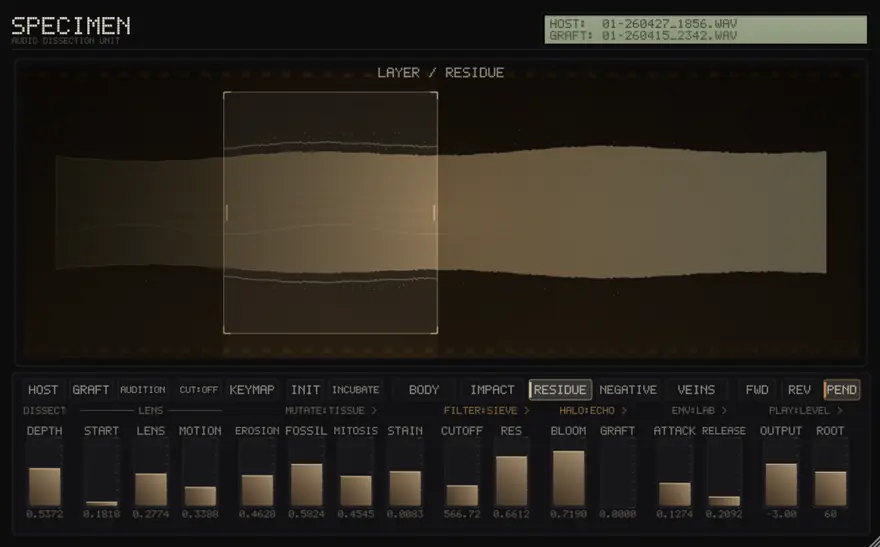
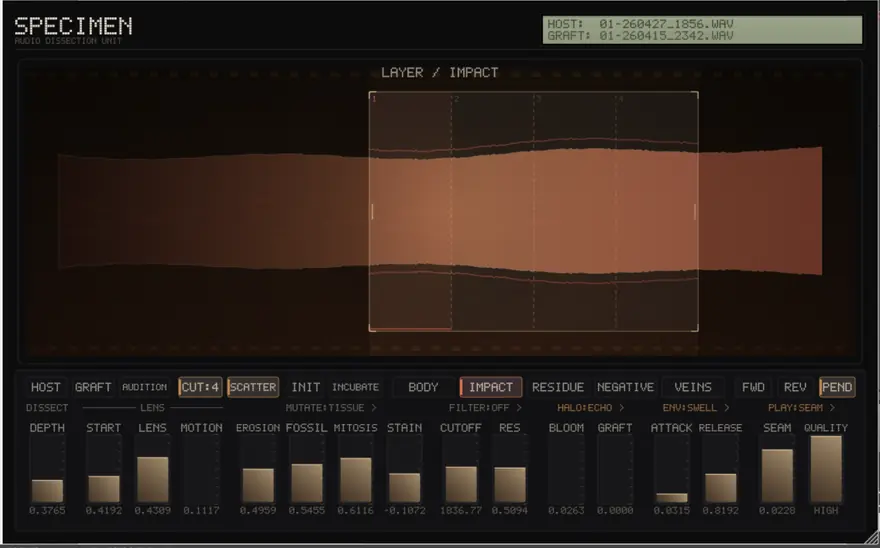
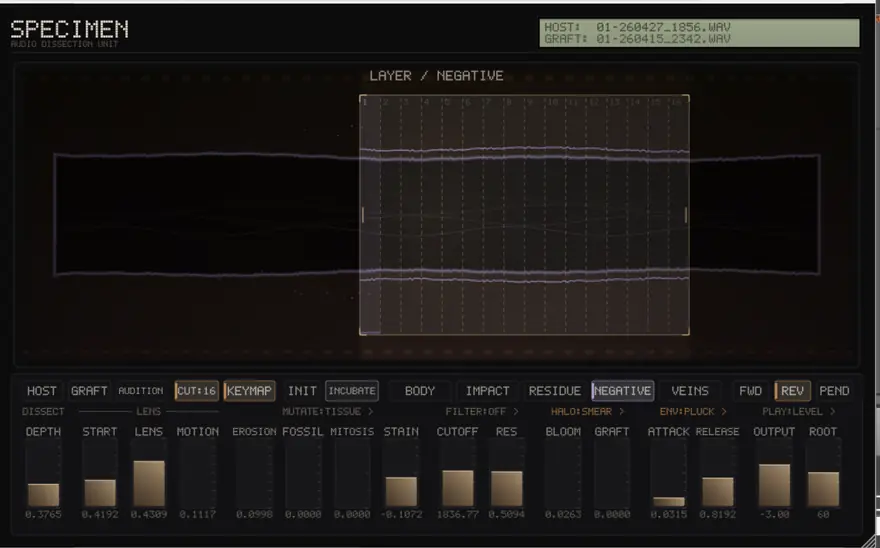
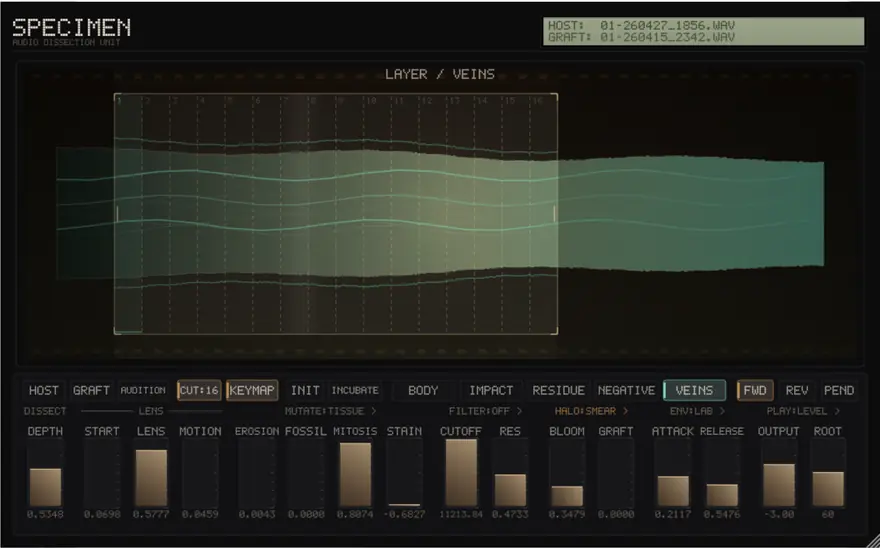
Load a sample and Specimen separates it into five layers of the same material: Body for the tonal core, Impact for transients, Residue for air and grain, Negative for what is left when the body is removed, and Veins for hidden resonant traces.
A lens on the reader screen picks the window of sound a note plays — drag it, resize it, scroll to zoom. Microtome cuts that window into up to 32 slices mapped across the keyboard, cycled, or scattered at random. Five scan modes read that window: forward, reverse, pendulum, a continuous tape transport, and Biopsy, which travels through the layers themselves while still moving through time, so a held note drifts from tonal core to surface dust without you touching anything.
Mutate ages and corrupts the material across three pages: erosion, sample-rate crush, unison division and spectral tint on Tissue; necrosis, ring modulation, position glitch and pitch spiral on Reagent; repeat, reverse grains, dropouts and wavefolding on Glitch. Seven filter characters, five halo spaces and four envelope shapes finish the voice, and a second sample can be grafted into the first.
Tape mode turns the whole instrument into a transport. Playback runs on one shared cursor that keeps its place between notes, so a new note continues from where the last one stopped and can change pitch without restarting. Press play or pause, or drag the position line across the reader screen to seek by hand.